- Open the Team on Teams panel that you intend to edit the Filter Template;
-
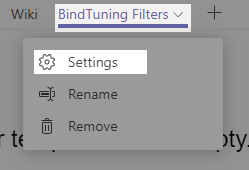
Click on the Settings button.
-
Click on the Manage Templates icon;

-
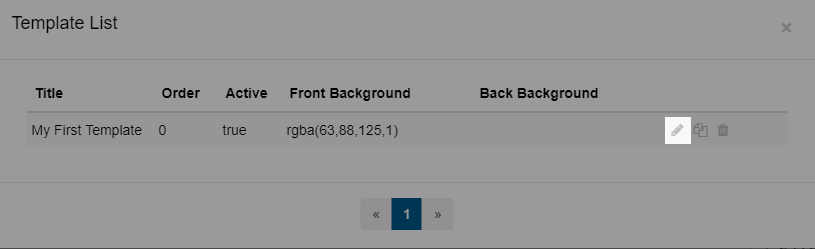
The list of Filters Template will appear. Click the Edit icon to edit the Template;
-
You can check what you can edit in each section on the Template Settings;
-
Done editing? Click on Save Changes to save your settings.